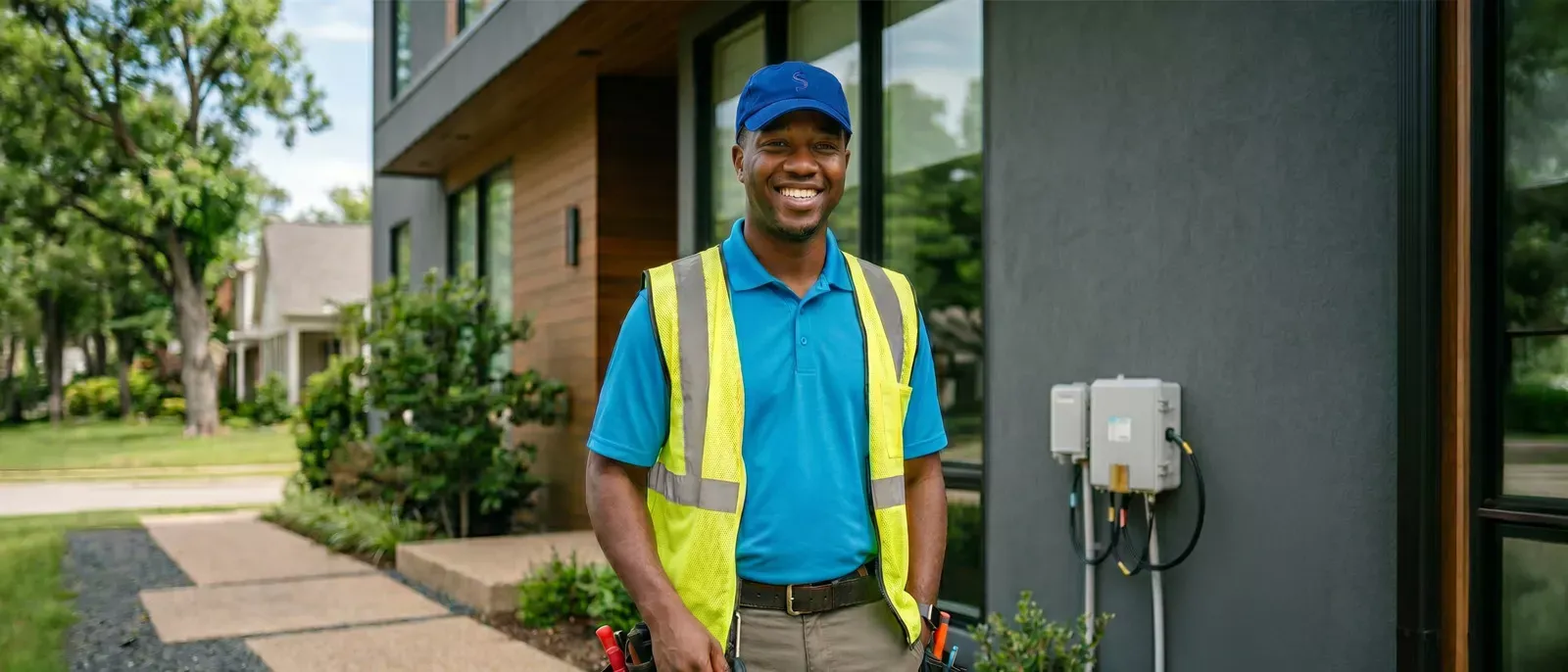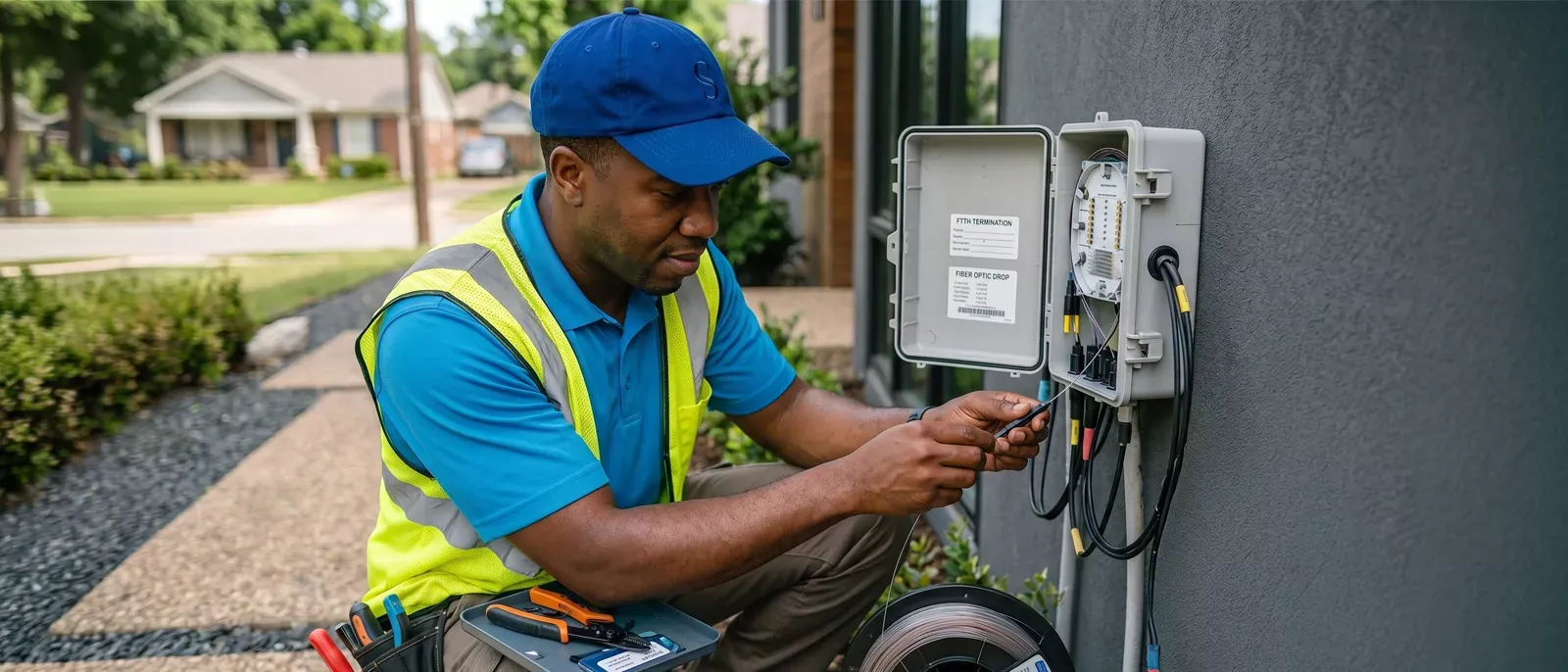
- The standard AT&T Fiber installation cost is typically $99. However, this fee is often waived when you place your order online through qualifying promotions.


If you're considering AT&T Fiber, one of the first questions you probably have is how much installation costs and what the process actually looks like. Understanding the details of fiber installation before you order can help you avoid surprises and make installation day much smoother.
The standard AT&T professional installation fee covers the work required to bring fiber service into your home, install equipment, and verify that everything is working correctly. It's important to understand the difference between installation fees and activation fees. An installation fee covers the technician's work and equipment setup, while activation fees relate to turning service on. Depending on promotions available at the time of purchase, these charges may vary.
Another benefit many customers overlook is that AT&T includes its Wi-Fi Gateway equipment with current fiber plans. Unlike providers that charge separate modem or router rental fees, the gateway is included in your monthly service price. This makes the total cost of AT&T Fiber Internet setup easier to predict from the start.
Not every home qualifies for self-installation. The biggest factor is whether your home is considered "Fiber-Ready." This distinction determines whether you can use an AT&T self-installation kit or whether a technician must complete the installation.
A Fiber-Ready home already contains the key infrastructure needed for activation. The ONT—often referred to as the fiber jack—acts as the connection point between the AT&T Fiber network and your home's internet equipment. If the ONT is present and working properly, AT&T may provide an AT&T self-installation kit that allows you to activate service without scheduling a technician visit.
However, professional installation is usually the safest choice if you're unsure about your home's Fiber-Ready status. A technician can verify the connection, install any necessary equipment, and ensure your AT&T Fiber Internet setup is working properly from day one. Professional installation can help you avoid activation issues that commonly occur when older wiring or damaged equipment goes unnoticed.
Many customers ask, "How long does AT&T Fiber installation take?" The answer depends on your home's setup, but AT&T generally requires customers to reserve a 4-to-6-hour appointment window for technician visits.
The appointment window exists because installation requirements vary significantly from home to home. In some cases, the fiber line is already present and the process moves quickly. In others, technicians may need additional time to route fiber, install equipment, or determine the best location for the fiber jack.
Another factor many customers don't anticipate is pre-work. Before your appointment, AT&T crews may perform outside work such as preparing utility access points or burying fiber lines. This work may happen days before the actual installation appointment.
Because technicians may need access to multiple areas of the property throughout the installation process, an adult aged 18 or older must remain present for the entire appointment window. Plan for the full 4-to-6-hour timeframe to help prevent delays or rescheduling.
Understanding the AT&T Fiber Internet setup process can help you prepare your home and know what to expect when the technician arrives.
A successful installation doesn't end when the technician leaves. Proper equipment placement can have a major impact on your overall experience.
The location of your fiber jack and Wi-Fi Gateway matters. Ideally, the gateway should be placed in a central area of the home rather than tucked away in a closet or utility room. Since the gateway distributes your wireless signal, strategic placement helps improve coverage throughout the house.
Larger homes, multi-story properties, and homes with dense construction materials may benefit from Wi-Fi Extenders. These devices extend wireless coverage to areas farther from the main gateway. During installation, it's worth discussing coverage needs with your technician if you have known dead zones.
If you work from home, stream HD content, or participate in video conferencing throughout the day, consider using Ethernet connections where possible. Hardwired devices can provide more consistent performance than wireless connections and eliminate many common connectivity issues.
It's also helpful to remember that AT&T includes the Wi-Fi Gateway with all current fiber plans. Since the gateway serves as both your modem and router, there are no separate monthly rental fees for this equipment, helping keep your monthly bill straightforward.
The installation process is easier when you understand the requirements before placing your order.
Understanding these details upfront can help you avoid delays, choose the right installation option, and enjoy a smoother path to getting connected.
Choosing the right fiber plan involves more than simply picking the fastest speed available. Households have different needs, whether that's basic browsing with 300 Mbps service, supporting multiple remote workers, or maximizing performance with multi-gigabit plans up to 5 Gig. That's where attsavings.com can help.
With attsavings.com, you get access to current AT&T pricing, promotional offers, availability checks, and expert guidance. Whether you're comparing 300 Mbps, 500 Mbps, 1 Gig, or 5 Gig service, knowledgeable representatives can help match your internet usage with the appropriate speed tier. You can also check local availability, review current promotions, and determine whether installation fee waivers or reward card offers apply in your area.